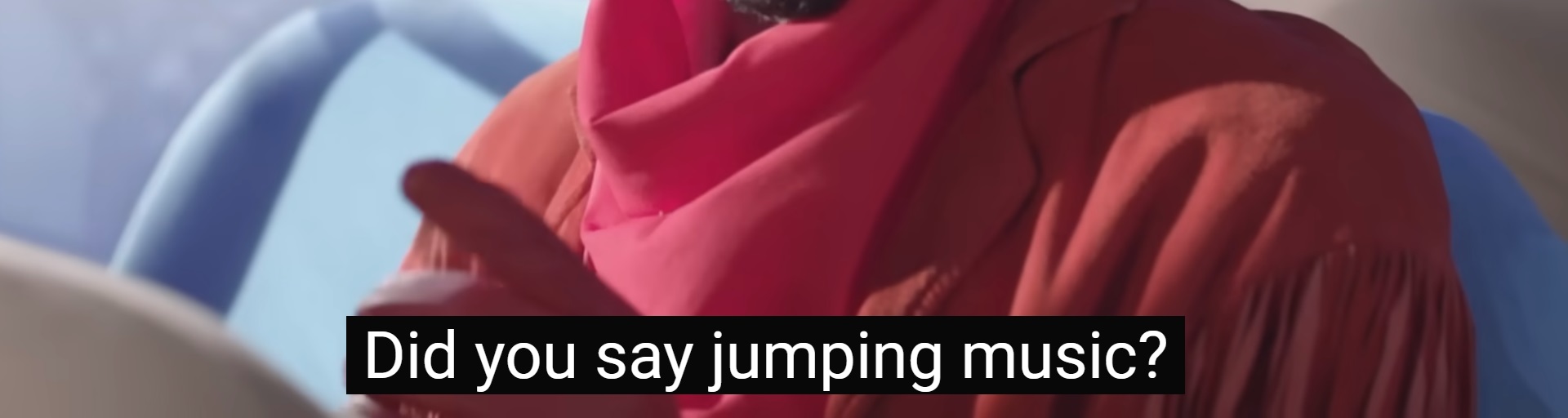
Generate Vocabulary Flashcards for Screenshots of Subtitles
How to
Generate Flashcards from Subtitles (Video Tutorial)
The content of the subtitles will be detected and you will be later asked which words you want to learn.
Set the subtitle background to complete black and position them at the lower center.
Simply follow the these three steps, or read the Blog Article:
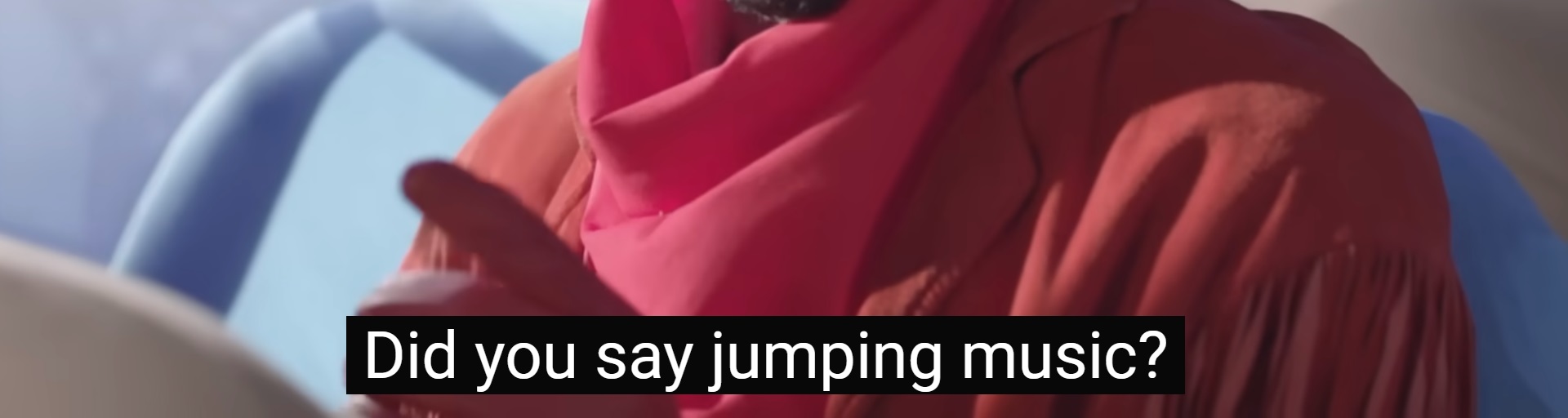
Steps to Convert Screenshots of Subtitles to Vocabulary Flashcards
1
Choose Languages
2
Upload Screenshots
3
Select Words
Steps to Convert Screenshots of Subtitles to Vocabulary Flashcards
1 Choose Languages
2 Upload Screenshots
3 Select Words
Want a demo? Click
here
(Clicking will fill in values and submit the image above)
Click on the words which you don't know and confirm your selection:
Turn Your Favorite English Shows into Study Decks
Turn your Netflix or YouTube binge into a highly productive English lesson. Take a screenshot of any subtitle you don't understand, and our tool will generate a flashcard complete with the original context.
Why learn English from subtitles?
Authentic Usage: Learn English idioms and conversational phrases.
Visual Memory: Tying a English word to a specific scene helps retention.
Export Anywhere: Download your subtitle flashcards to Anki, CSV, or PDF.
Convert Subtitles to Flashcards for Other Languages